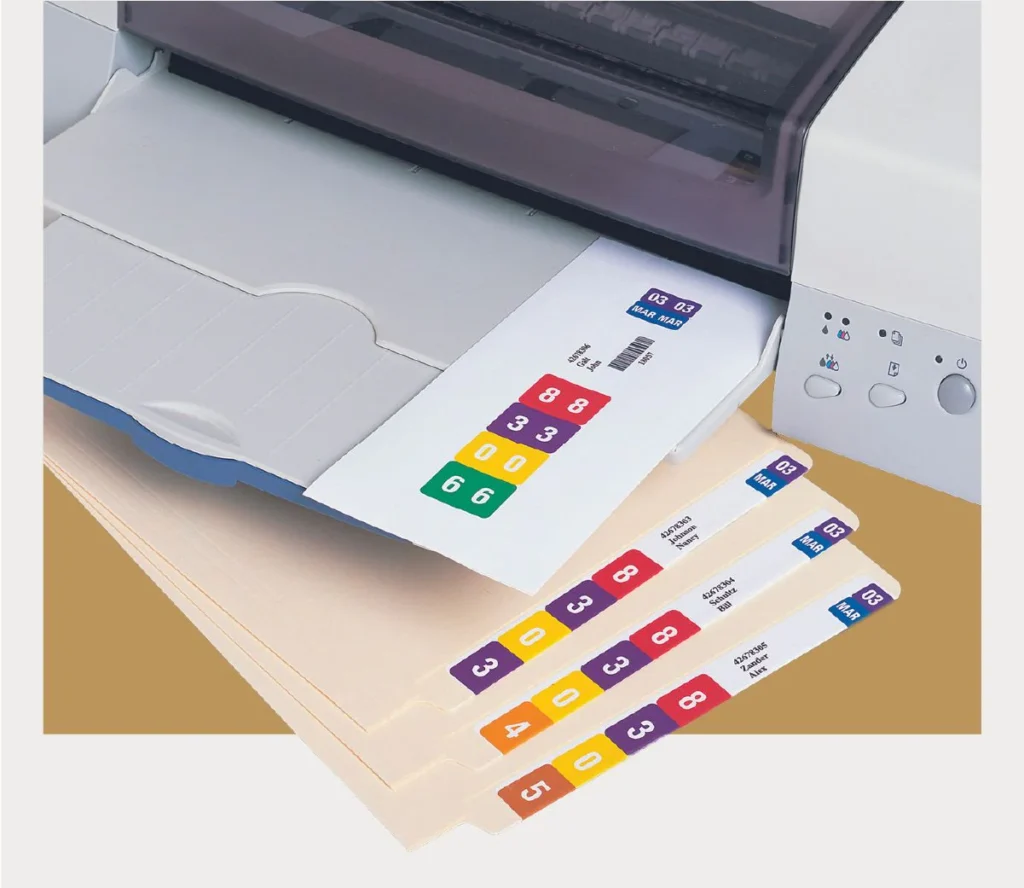
Replaces NetLabels, ColorBar, TabQuick and Colorflex.
VirtualLabels labeling system is the Best Solution at the Lowest Cost.
File Label Printing System for File Folder Barcode, RFID & Color-Coded File Label Software
Since 1998, VirtualLabels is the leading and most secure
file label printing system, matching existing file folder
label designs and for new file folder label designs.
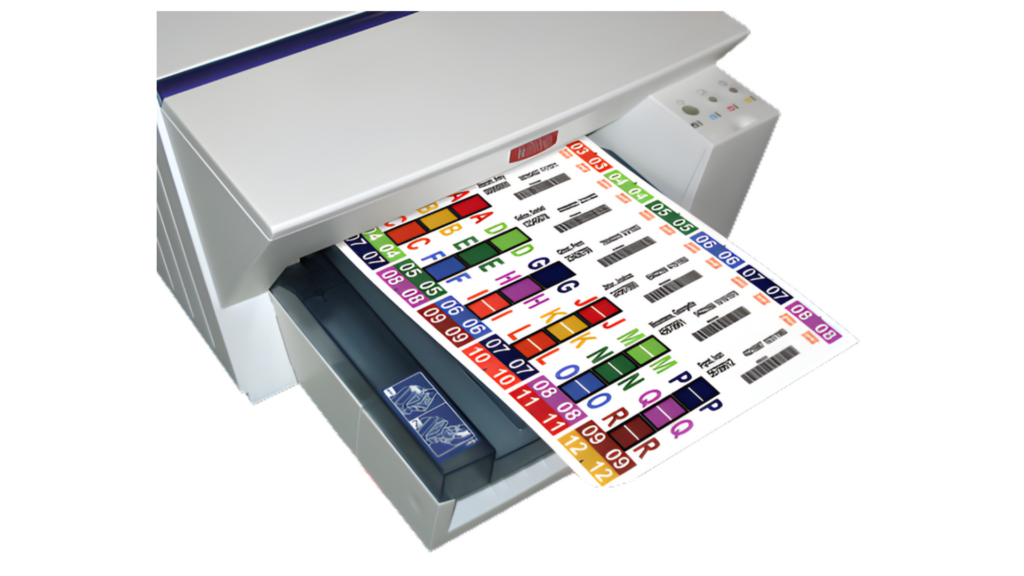
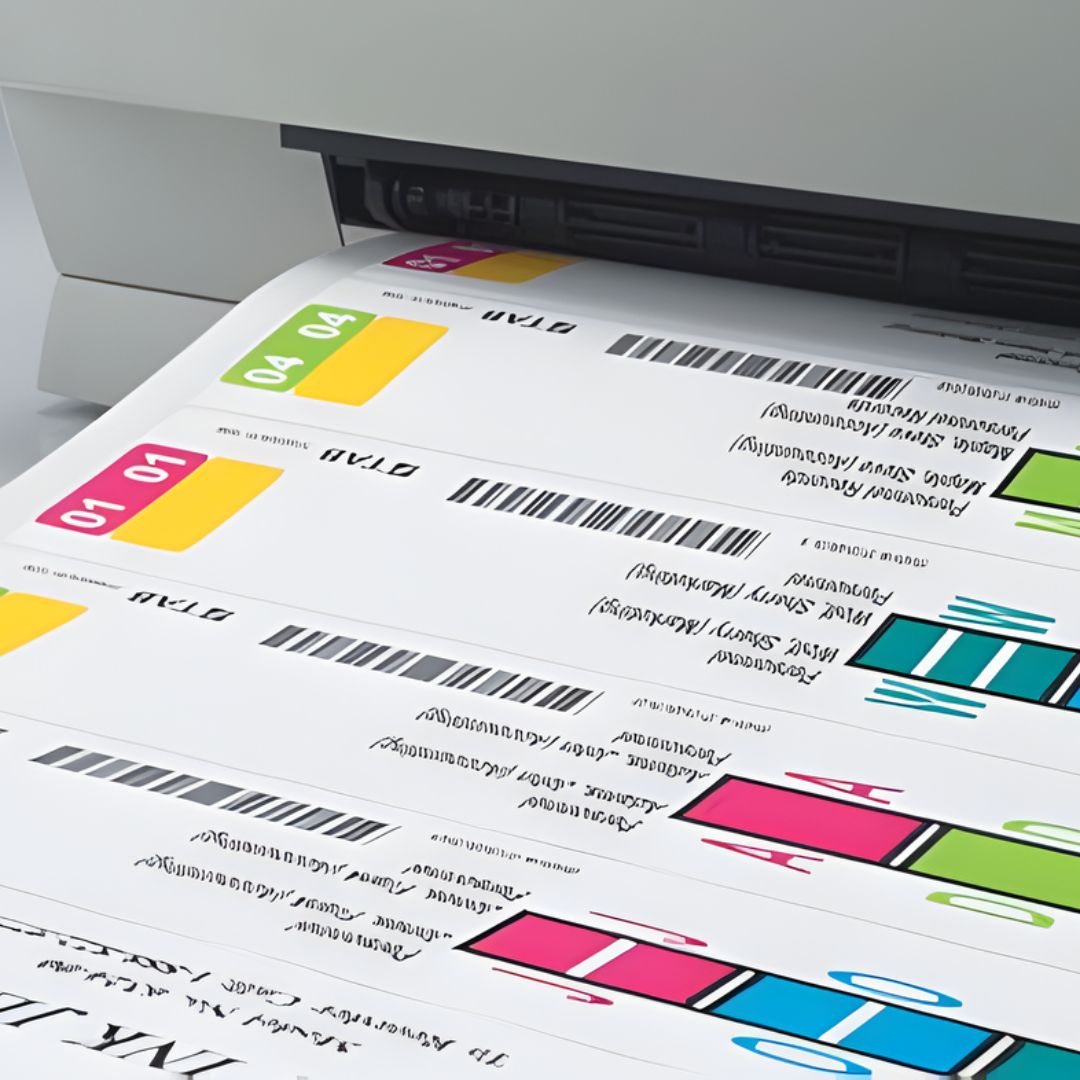
Print Custom file folder labels in seconds with three easy steps
VirtualLabels enables easy and rapid file folder label printing, using the Internet or your local network.
Enter or Import Data
Type data into your customized data entry screen, or easily import a spreadsheet to print your file folder labels exactly as you want your labels to look, with color-coding, text fields (file identifiers) and barcodes.
Print Preview
View the data for each of the labels that are going to be printed to verify accuracy. Select the starting label position and click 'Print Preview'. Page(s) of labels display showing all labels to be printed.
Click the printer icon and your default printer for printing file file folder labels will display. Or, choose any ink jet printer, laser printer or copier to automatically print all file folder labels entered.
The top file label printing system for file folders & Documents
Prints file folder labels from a single computer to enterprise-printing across multiple sites.
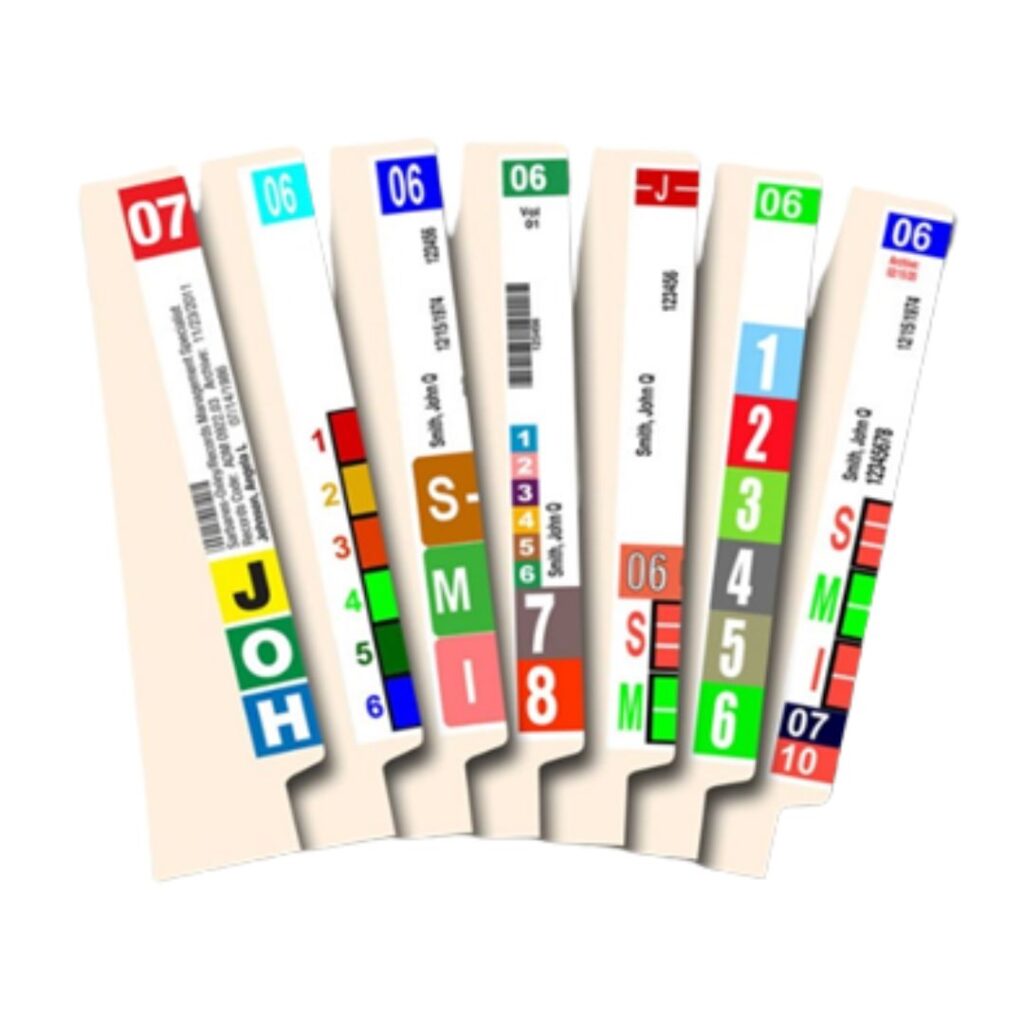
Unlimited Custom Label Designs
Supports unlimited label designs for folder side tabs, folder top tabs and folder fronts. Print one or more labels for each folder.
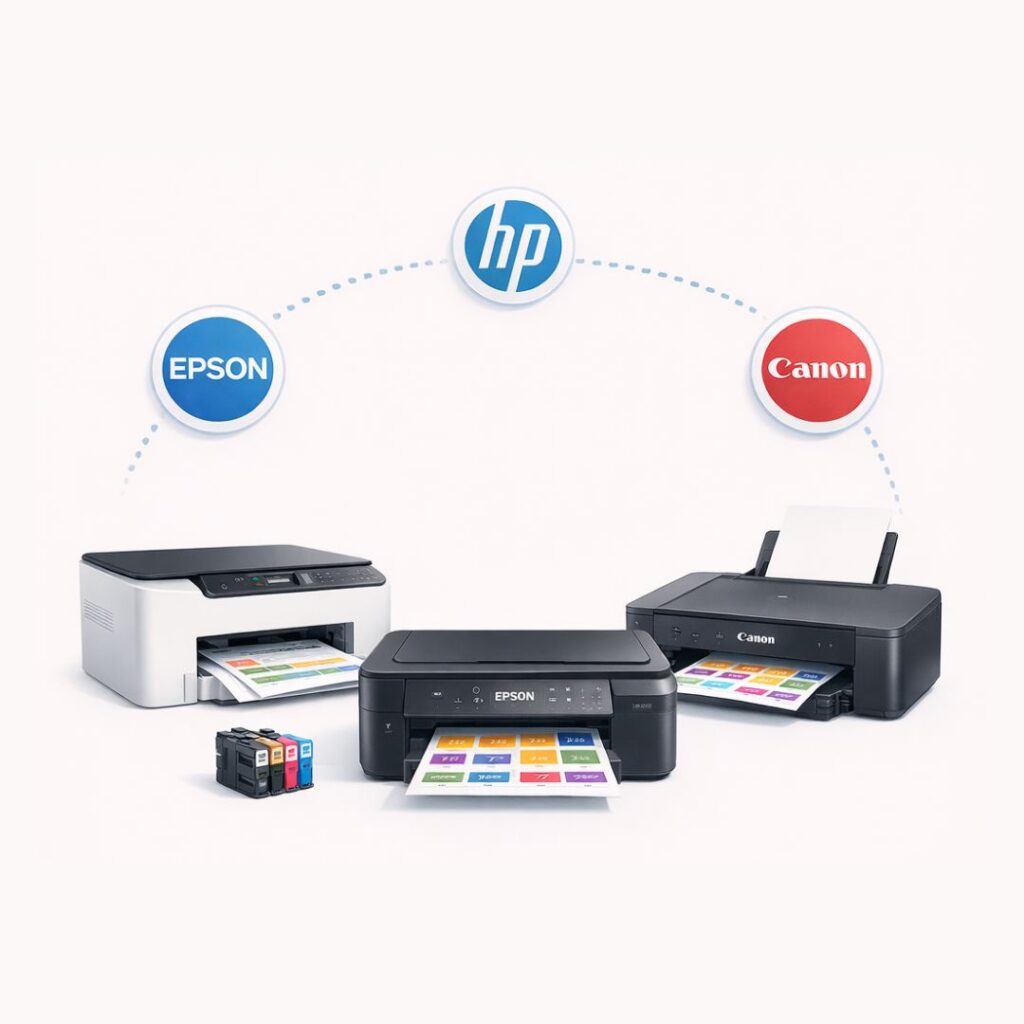
Supports any Printer or Copier
The File Label Printing System Supports any type of stand-alone or networked ink jet printer, laser printer or copier, with high quality ink jet and laser labels.
Complete Data Security
There is no database storing file folder data, so there is full data security. Upon logging off of the software, all print data is deleted.
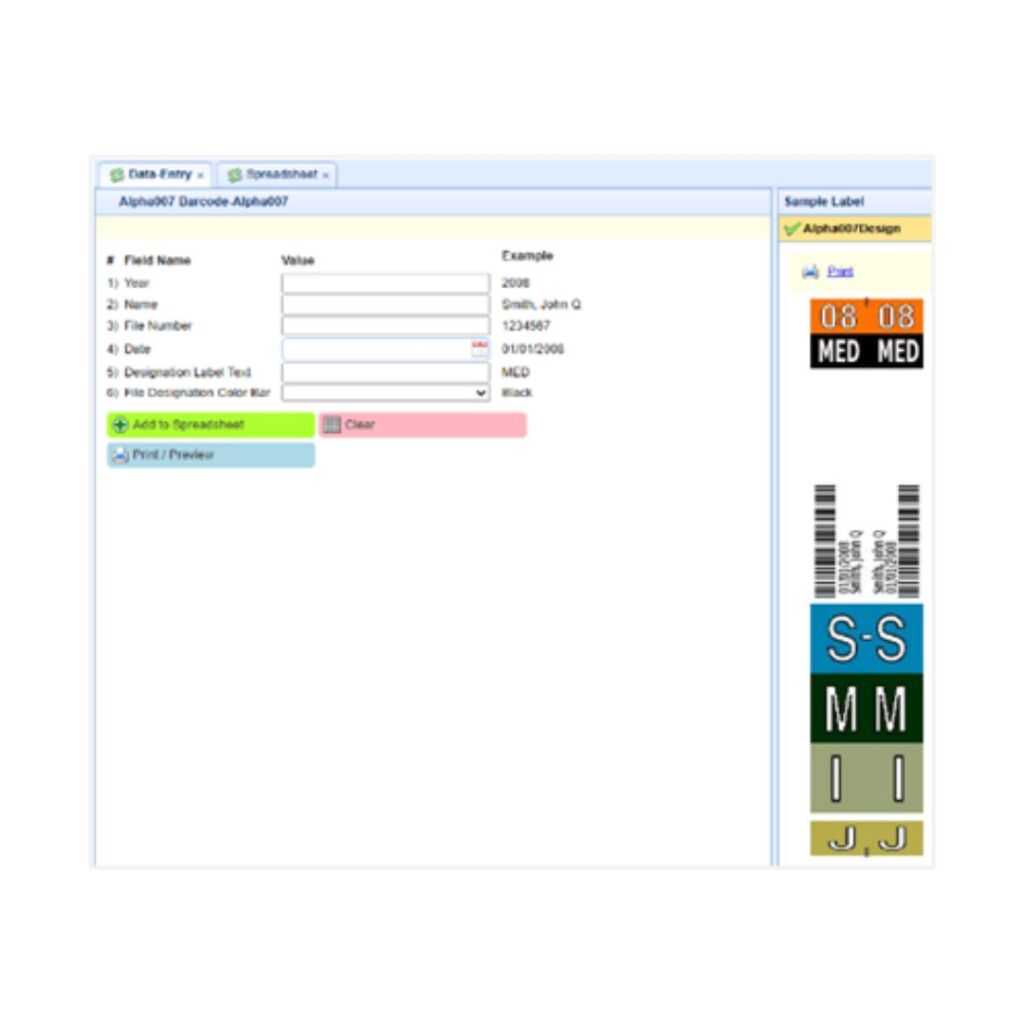
Internet or Local Network
File label printing software can be accessed and utilized from the Internet or by installing on your computers and networks.

Implementation and Support
Virtual Labels expert staff assist with all aspects of system deployment, IT and User training, and provide ongoing support.
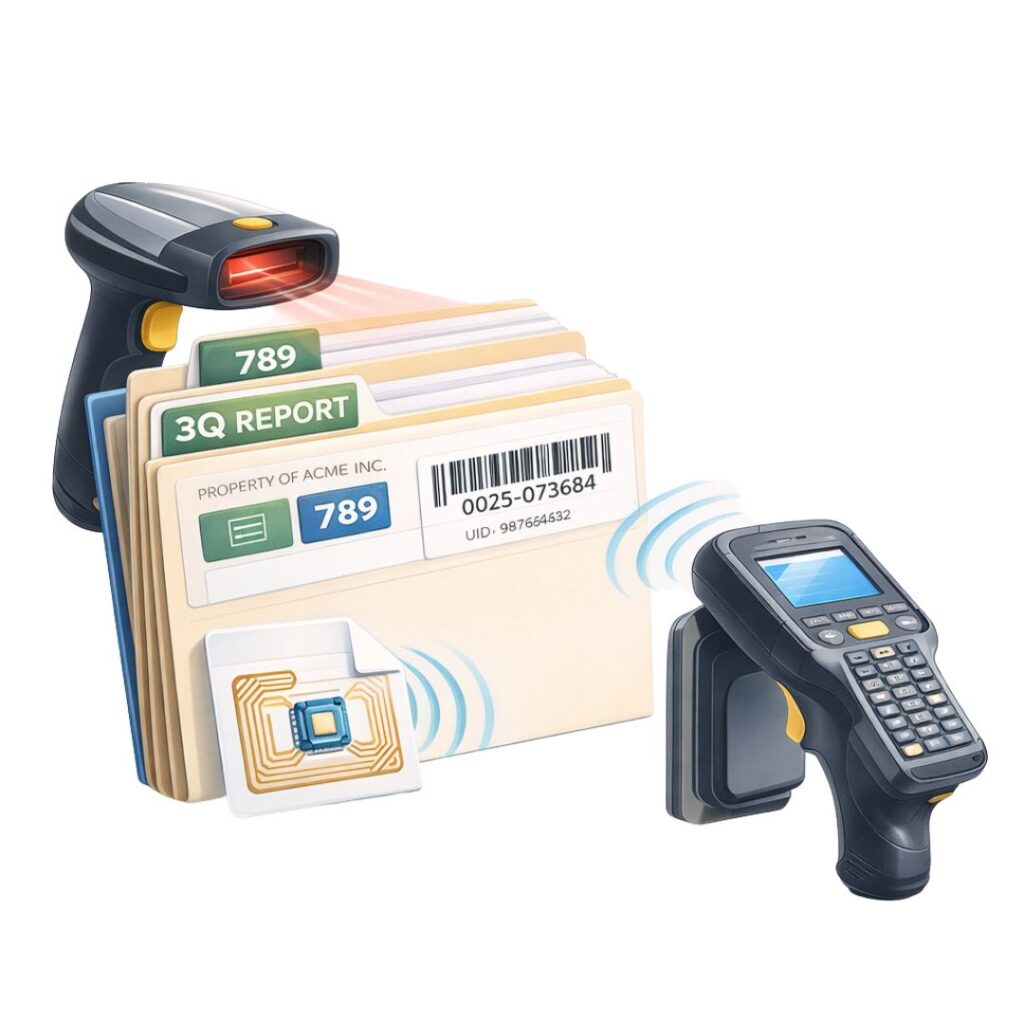
Scalable for File Tracking
Virtual Labels Labeling Systems for folders can be easily scaled to include the ability to rapidly track and locate files with barcode & radio wave (RFID) technologies.
Try it fully risk-free
- We design your label at no up-front cost
- We setup the software at no up-front fee
- You test the full system to ensure performance
- If it doesn’t meet expectations, you owe nothing
- No obligation to implement – completely your decision
- Full customer support available during design and testing
- Certified Records Manager on-staff with 35+ years experience
How the Guarantee Works
Step 1 – Label Design(s)
We create one or more label designs tailored to your specific label design requirements at no up-front fee.
Step 2 – Software Deployment
We setup the software with your label fields so that you can test data entry and data import.
Step 3 – Test the System
You use and test the software to verify that it performs 100% to your satisfaction.
Step 4 – Decide
If it works and you are satisfied, pay nominal amount. If you are not satisfied walk away – no fees or obligation.
What You Receive
- Software customized to your data fields and label designs
- Unlimited label designs
- Support for barcode and RFID (radio wave) technologies
- One-time low-cost investment
- Perpetual software license without ongoing subscription fees
- No fees or license keys based on the # of labels you print
- Unlimited Users at your site at no additional cost
- Training, User and technical support at no additional cost
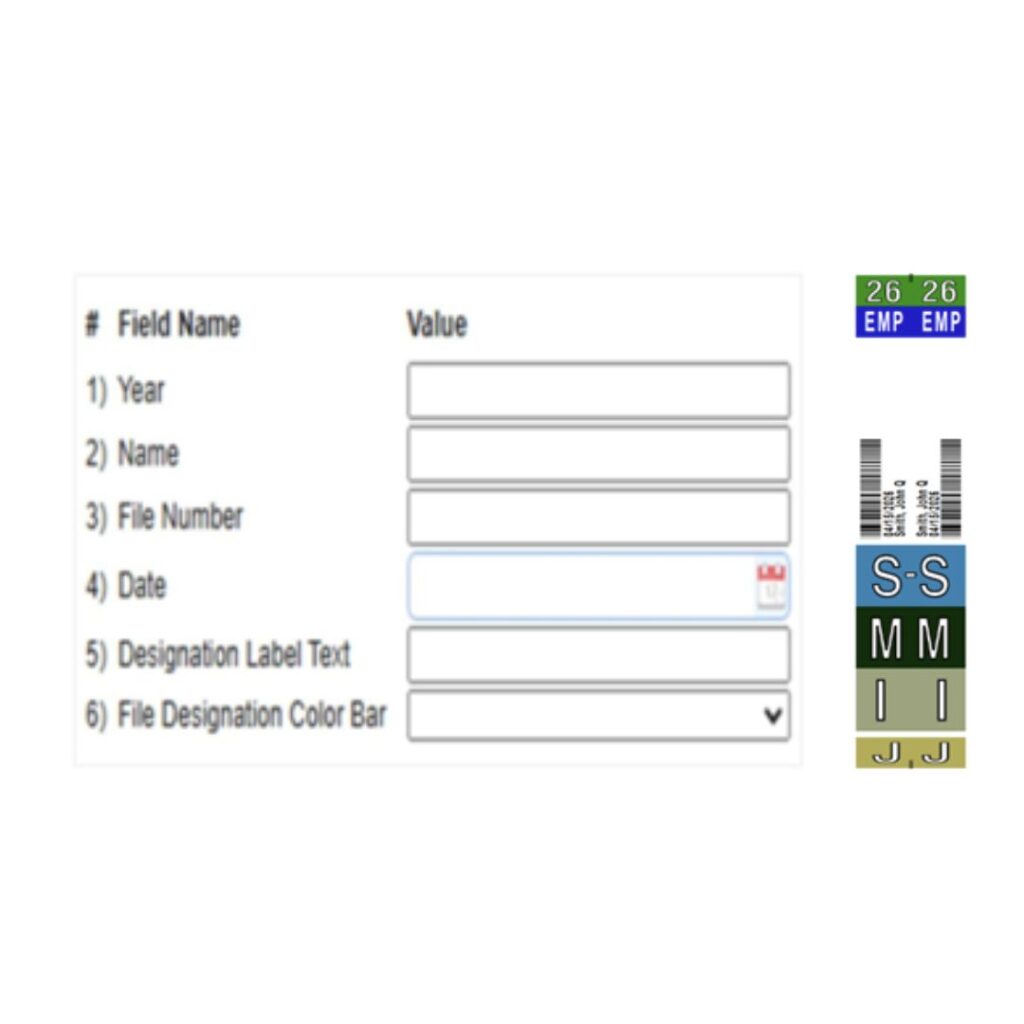
Software Configuration and Label Designs
- Based on how your file folder labels need to print, the file label printing software is configured with your data fields, and with any lists that relate to a data field (such as ‘file type’)
- Data prints to labels as text, color-codes and barcodes
- The label printing system for file folder is configured to print labels to your specific label design requirements, by entering data by keyboard or by importing .xls / .csv data
- The data input or imported for label printing can also be exported and saved in a backend software package or spreadsheet for managing all files created over time
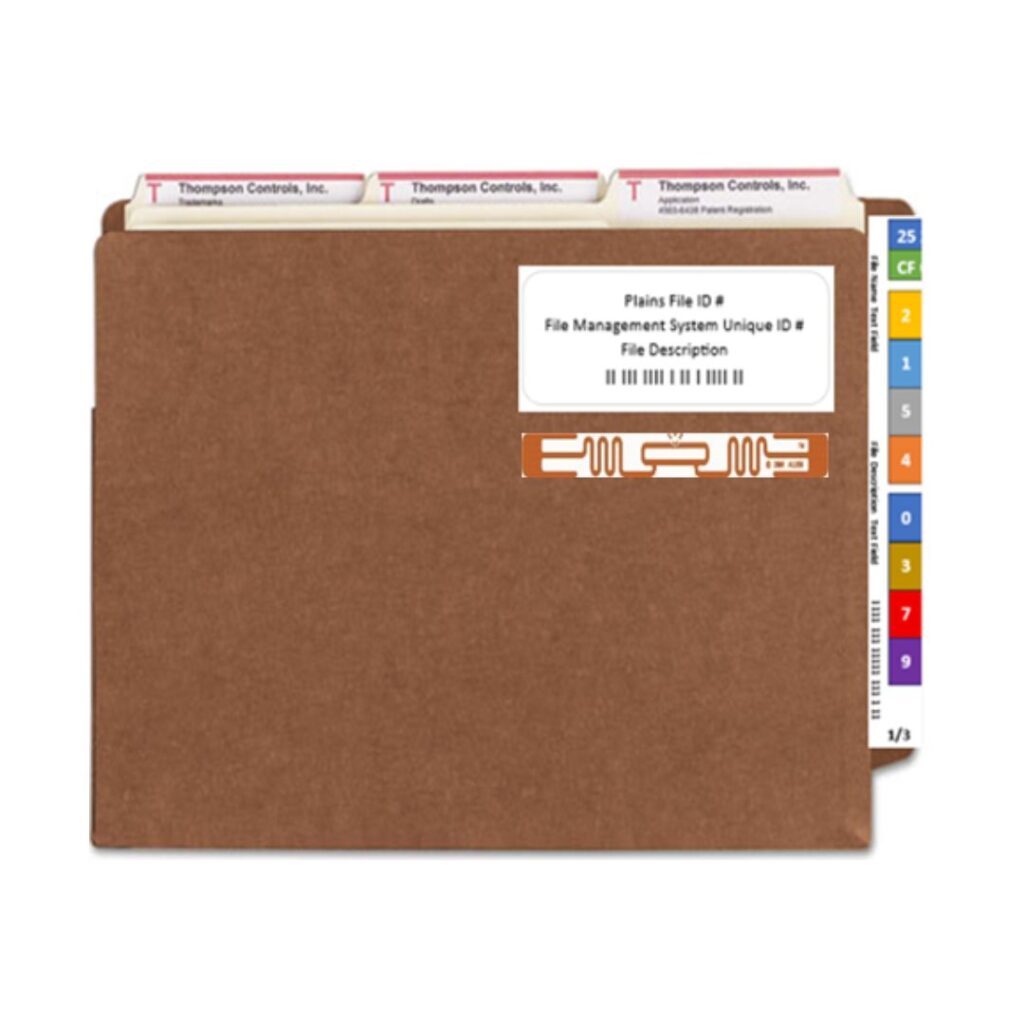
Barcode and RFID (radio wave) Technologies
- Based on how your file folder labels need to print, the software is configured with your data fields, and with any lists that relate to a data field (such as ‘file type’)
- The software is configured to print labels to your specific label design requirements, by entering data by keyboard or by importing .xls / .csv data
- File # or any unique identifier can be rendered as a barcode and/or a RFID label for use with file tracking systems
- The file label printing system can be easily expanded to include full file management and tracking capabilities, including check-out/check-in, tracing files, inventories and locating files

Implementation, Training and Support
- Label design(s) .pdf documents, template .xls spreadsheet and file label printing system User Guide are provided so that staff can learn the system and access tutorial as needed
- VirtualLabels expert staff fully assist through email, phone and web-meetings to ensure that all aspects of the file label printing system is working properly and staff are fully capable
- Ongoing support is provided for system Users and IT staff to ensure that the file folder labeling system continues to operate properly over time
- Includes support for label design modifications, new label designs and new printing devices.
Experience and Support for all Industries and Applications

File label printing System for government files, including local, regional and federal governments.

File label printing System for court system files, including civil, criminal, family and probate courts.

File label printing System for prosecutors, district attorneys and solicitor generals.

Law Firms File label printing System for client, client-matter and case files.

File label printing System for bank commercial and residential files and signature documents.

File label printing System for hospital, surgical center and doctor office medical charts.

File label printing System for insurance policy and claims files.
Accounting Firm File label printing System for client and taxation files.

File label printing System for pharmaceutical research and product files.
File label printing System for police and sheriff case, incident reports, warrants and orders-of-protection files.

File label printing System for manufacturing job jackets, plates and dies.

File label printing System for corporation personnel, procurement and financial files.

File Folder label printing System for oil and gas lease, oil well, property, personnel and procurement files.
File Folder label printing System for vehicle dealers deal jacket and service jackets files.
Frequently Asked Questions (FAQs)
How does a File label printing system improve file organization?
VirtualLabels File label printing system helps create clean, consistent, and easy-to-read file folder labels. It keeps every folder properly identified with text, color codes, barcodes, or RFID details, making filing and retrieval faster.
Does the VirtualLabels system support barcode and RFID labels?
Yes. The File Label Printing system can print barcode and RFID-ready file folder labels. This helps organizations prepare their files for faster scanning, better identification, and future file tracking requirements.
Does the Label Printing System for file folders reduce manual label printing errors?
Yes. By using predefined label templates and imported data, the file label printing system helps reduce spelling mistakes, wrong formatting, and incorrect label placement. This makes the filing process more accurate and reliable.
What is an office label printing system?
An office label printing system helps businesses print clear labels for files, folders, and records. It improves file organization and keeps labeling consistent.
Can RFID labels be prepared using the software?
Yes. VirtualLabels file label printing system can help prepare RFID-enabled file labels where required. This allows organizations to upgrade from simple label printing to faster RFID-based file tracking in the future.
Can label templates be updated when filing needs change?
Yes. Label templates can be updated when your organization changes its filing format, adds new fields, changes color codes, or moves toward barcode or RFID tracking.
How does document label printing software help office teams?
VirtualLabels document label printing software helps office teams prepare labels faster with a consistent format. It reduces manual typing mistakes and helps every department follow the same file labeling structure.
Does the system support document management labeling?
Yes, it works as a document management labeling system for offices/ enterprises that handle many records. It helps label files clearly so documents can be sorted, tracked, and retrieved with less effort.
Can I print file labels from imported data?
Yes, the printable file labels system can use existing data to create labels. Offices can import file details and print multiple labels without entering every record manually.
Why choose VirtualLabels smart label printing system for office use?
VirtualLabels label printing system helps improve speed, accuracy, and file organization. It gives users a better way to prepare labels instead of depending on manual formatting.
Does it support automatic label generation for files?
Yes, automatic label generation for files helps create labels using selected file information. This saves time when printing labels for large batches of folders or archived documents.
Is this useful for legal document labeling?
Yes, the legal document labeling system is useful for law firms, courts, legal teams, and compliance departments. It helps label case files, client records, contracts, and legal folders clearly.
Ready to replace NetLabels, replace ColorBar, replace ColorFlex or replace TabQuick?
No worries. We can match your existing label printing design(s), support the printers that you are using and provide a smooth transition at low cost and superior performance.